You asked for it. So here it is.
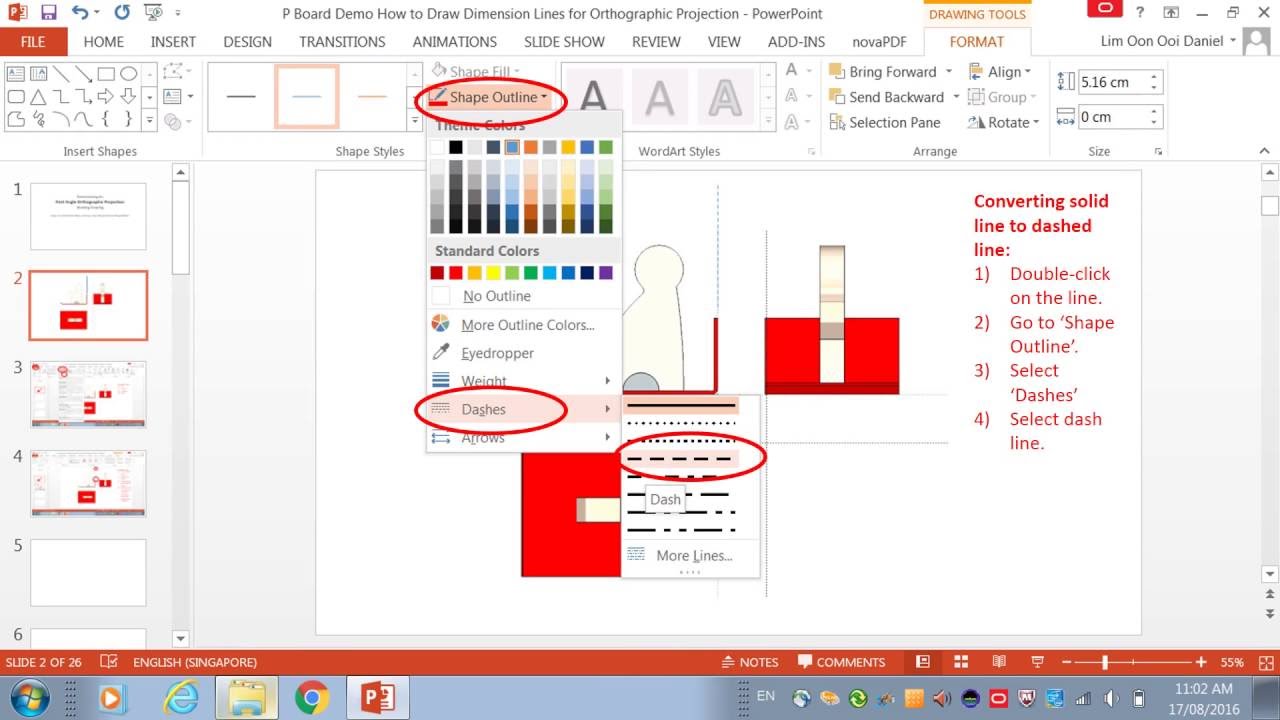
This video tutorial shows steps to draw dimension lines and arrows in a Microsoft PowerPoint 2013. It assumes you already have a First Angle Orthographic Projection (either hand drawn or via Google SketchUp) image ready for import into the Powerpoint slide.
Create Presentation Board using Microsoft Office PowerPoint 2013. (Click here).
(DIGITAL) How to draw Phone Holder in Google SketchUp 8 (Click here).
(ANALOG) How to draw Isometric / Orthographic view for Phone Holder (Click here).
← Journal
Dimensioning · Orthographic
Working Drawing: How to Draw Dimension Lines for Orthographic Projection in PowerPoint 2013
17 August 2016 · By mrdanielsos